
Getting started
Create an account, sign in, and find your way around Dayli on web and mobile.
Getting started
Welcome to Dayli. Each day you can answer one prompt, rate your day, and choose whether to share the post with friends or keep it to yourself.
Dayli follows the Auckland calendar day. That matters even if you live somewhere else, because your post must reach Dayli before midnight in Auckland. Friends posts appear to friends after that midnight.
Create an account
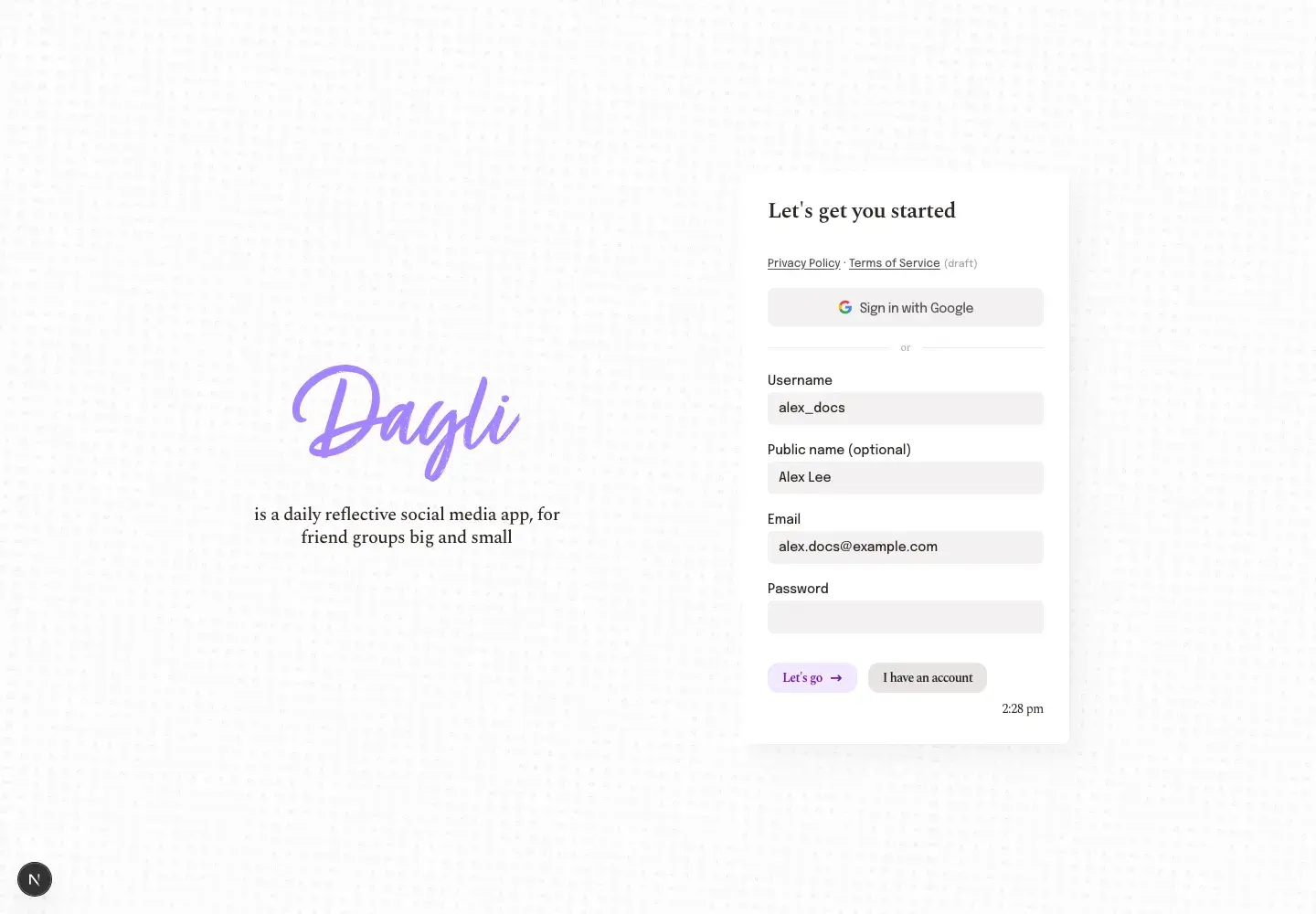
On the web, open the sign-up page. In the mobile app, choose Create an account from the welcome or sign-in screen.
Fill in:
- Username: 3 to 30 lowercase letters, numbers, or underscores. You can change it once every 30 days, and your old username stays reserved for another 30 days.
- Public name: Optional. If you leave it blank, Dayli uses your username.
- Email: Use an address you can access. Password reset messages go there.
- Password: At least 8 characters.
Choose Let's go to create the account.
Sign in
Enter your email and password, then choose Sign in.
Dayli also shows Sign in with Google on the web and Continue with Google on mobile. Google sign-in only works when it has been configured for that particular deployment or app build. A new Google account will be asked to choose a username.
If Dayli asks you to link Google to an existing account, sign in with your password first. Then:
- On the web, open Settings and choose Connect Google.
- On mobile, tap the profile circle at the top, then choose Connect Google in settings.
Connecting Google requires your current password. Dayli does not automatically join accounts just because they use the same email address.
Find the main areas
On the web, the navigation is on the left on larger screens. On a narrow screen, open the menu button at the top left. It contains:
- new dayli for today's post
- daylies for the feed
- friends for friends and requests
- my days for your own posts
- messages for conversations and message requests
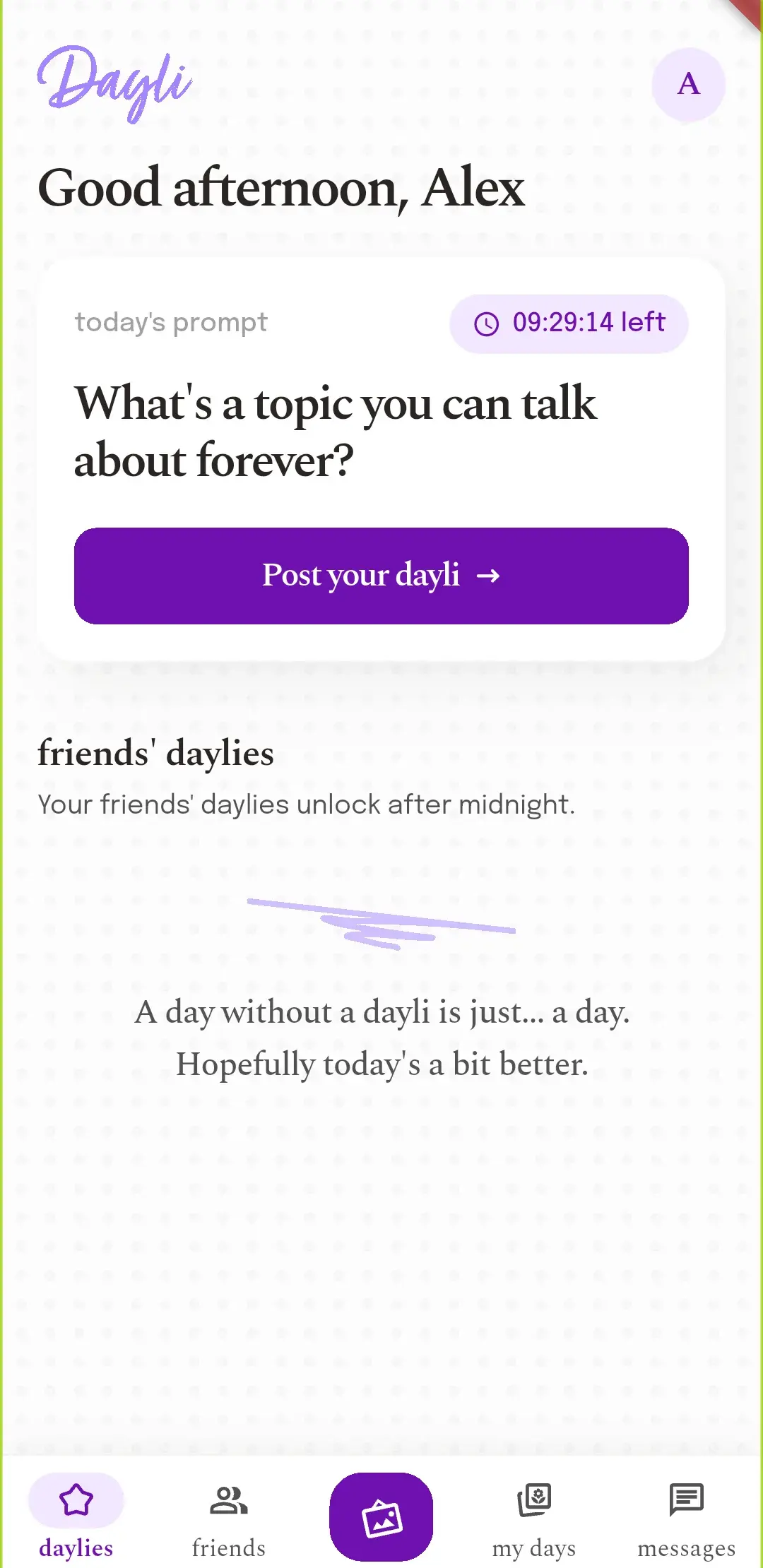
On mobile, the bottom bar has daylies, friends, my days, and messages. The raised button in the middle opens new dayli. Tap the profile circle at the top right for settings.
Your first dayli
Open new dayli, answer today's prompt, choose a rating from 1 to 10, and select Friends or Solo. Neither audience is selected for you, so check your choice before posting.
See Creating your daily post for every field, drafts, media, and the Auckland midnight deadline.
If you forget your password
On the web sign-in page, choose Forgot password?, enter your email, and choose Send reset link. Open the email, enter a new password on Choose a new password, then choose Reset. A reset link lasts 15 minutes.
The mobile app does not currently contain the password recovery screens. Open the web version of the same Dayli environment in a browser and use its reset flow. For example, a staging mobile account must use the staging web site, not your local web app. Reset email delivery must also be configured in that environment, or no message can arrive.