
Friends and the feed
Find friends, handle requests, read daylis, and use messages.
Friends and the feed
Dayli waits until the next Auckland day before showing a Friends post to friends. The feed is a catch-up on yesterday, not a live view of what people are writing today.
Find someone by username
On the web, use the username search in the navigation. On mobile:
- Tap friends in the bottom bar.
- Stay on the Friends tab.
- Tap Find people by username.
- Search for the exact person you want, then open their profile.
From a web profile, you can add the person, accept a request they have already sent, see when your request is pending, or remove an existing friend. You can also start a message from the profile.
On a mobile profile, a pending request may only say that a request is waiting or was sent. Use the Requests tab to act on it.
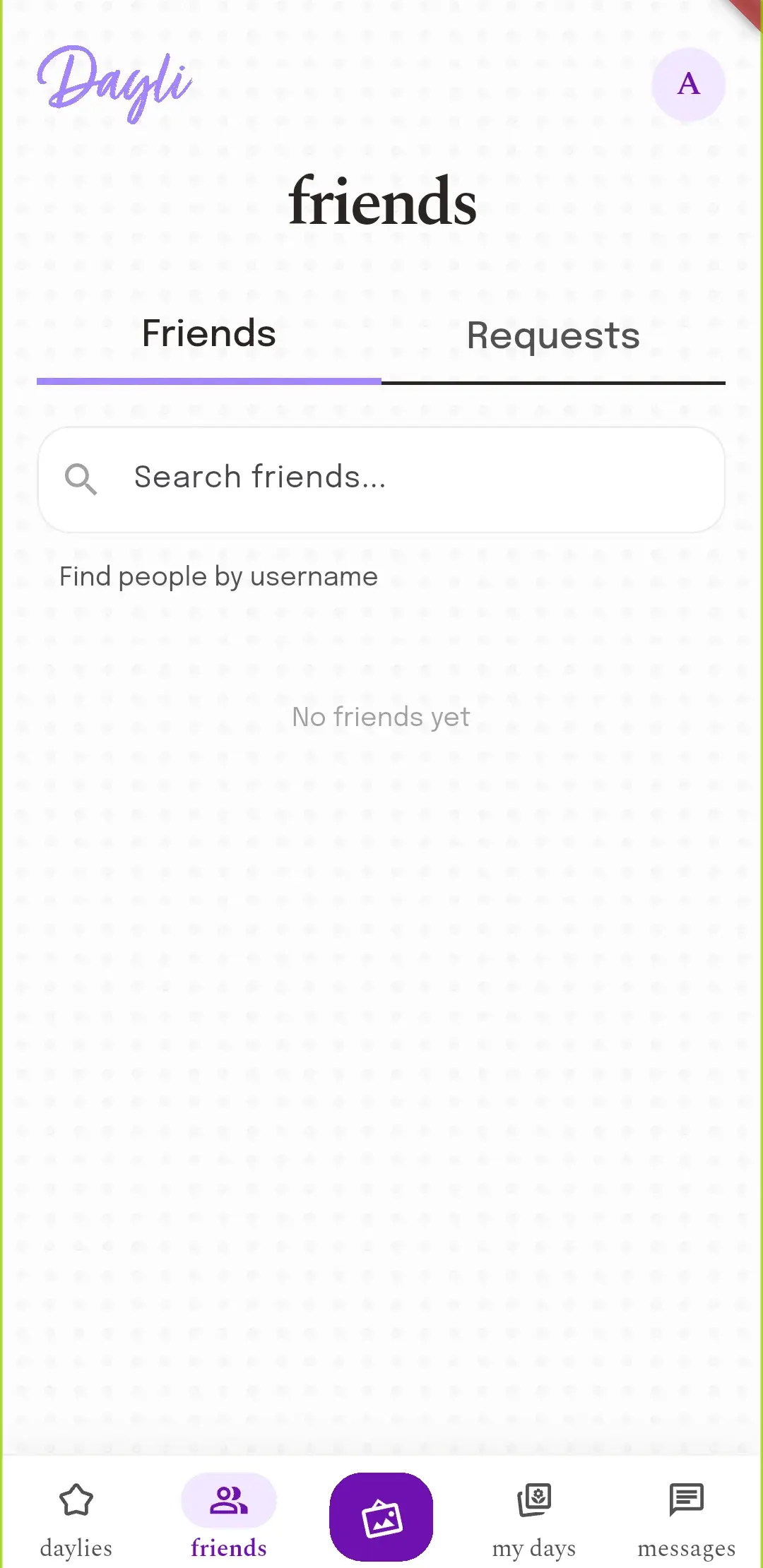
Handle friend requests
Open friends, then choose Requests.
- Under Received, choose Accept or Decline.
- Under Sent, choose Cancel if you no longer want to send the request.
- In your friends list, choose Remove friend to end an existing friendship.
An active friendship gives someone access to your released Friends posts and puts yesterday's released posts in their feed. Released Friends posts are also readable by other visitors when your profile is public. See Privacy and sharing before changing profile visibility.
What appears in daylies
Open daylies from the web navigation or mobile bottom bar. The feed shows Friends posts from active friends for yesterday's Auckland posting day, after those posts have been released.
It does not show:
- a friend's Solo posts
- a friend's post before its release time
- your own posts
- posts from someone who is not currently your friend
Use my days to see your own posts. Open a friend's profile to browse their older released Friends posts that you can still access. Public profiles and released Friends posts can also be opened from their direct web or mobile links without signing in. The daylies feed itself remains signed-in and friend-only.
Screenshot placeholder
UD-FF-02: Web daylies feed showing released sample posts from friends.
If a post says This dayli isn't available. It may have been deleted, or you may no longer have access., refresh the page. If it remains unavailable, your relationship or access may have changed.
Likes and comments
The backend supports likes, comments, and one level of replies for an author and their active friends. These interactions require a signed-in account with a username. Public readers and signed-in nonfriends cannot use them, even when they can read the post through a public profile.
The current web and mobile post pages do not yet connect their like and comment buttons to this backend. The buttons ask a signed-out reader to sign in, then explain that the action is unavailable. They do not submit anything. This is an interface gap, not permission to call the interaction routes anonymously.
Messages and requests
Open messages on web or mobile. Conversations are split into Messages and Requests.
Friends can start an active conversation straight away. Someone who is not your friend can send one initial message request. The recipient must accept it before the conversation becomes active. They can also decline it.
Messages are plain text and can contain up to 4,000 characters. In an active conversation you can reply, react, and see read receipts. You can edit a message for 15 minutes after sending it, or unsend it. Editing a message does not change any dayli post.
Dayli messages are not end-to-end encrypted. Dayli's authorized backend can read stored message content to provide the service. Unsend cannot take back text that somebody has already seen, copied, or captured.